
Use your HDRI in Blender
Updated
A 2:1 equirectangular EXR drops straight into Blender's World as lighting, in Cycles or Eevee. Here's the short version.
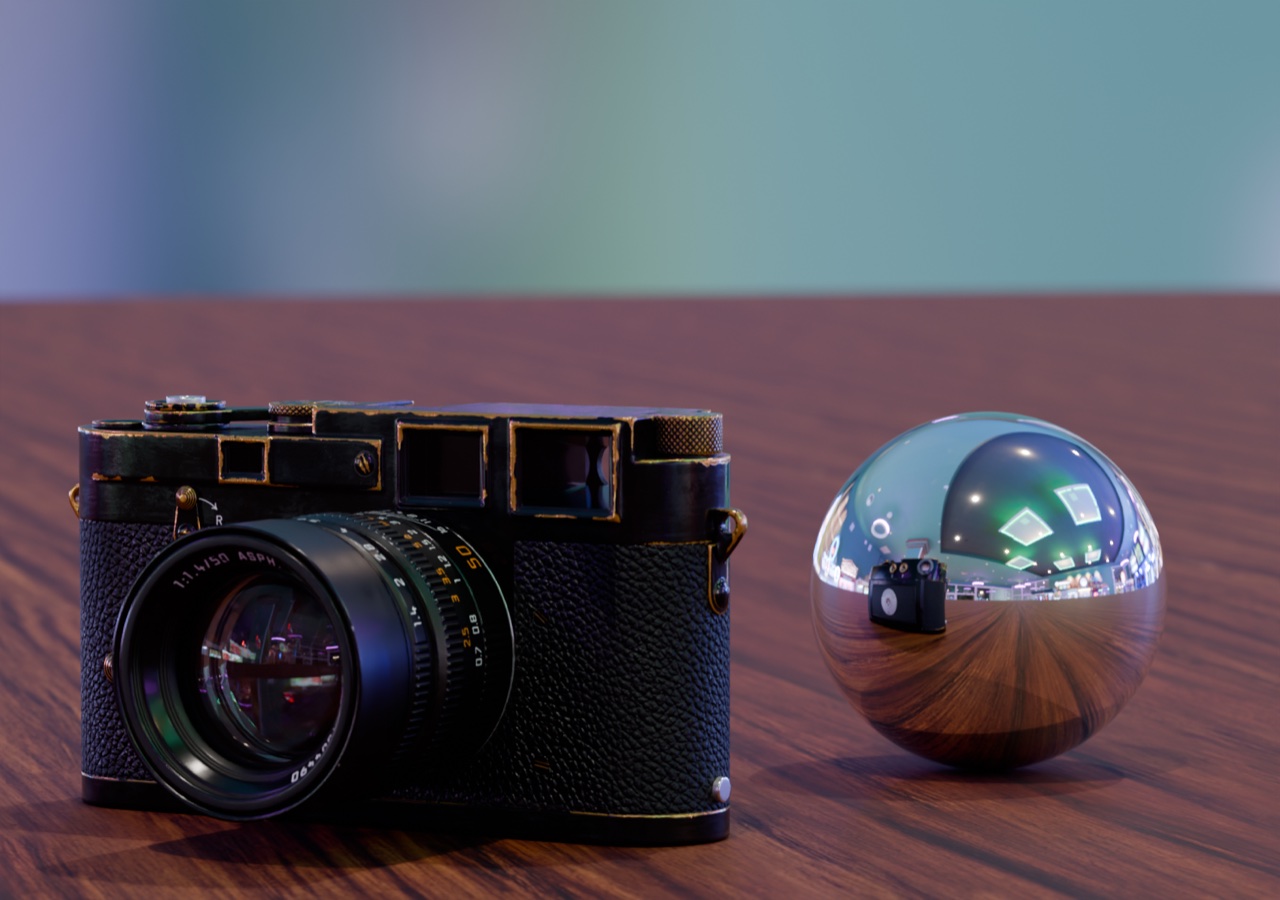
Set it up
- Open the World settings. In Blender, open the World Properties tab (the red globe).
- Add an Environment Texture. Click the dot next to Color and choose Environment Texture, then Open and pick your .exr.
- Leave the colour space alone. Blender reads a float EXR as linear (Linear Rec.709), which is what HDRI Studio writes.
- Set the brightness. The EXR is scene-linear, so its brightness is relative. Start at Strength 1 and adjust Strength or the camera's exposure until the scene looks right.
- Rotate it. Add a Texture Coordinate and a Mapping node in front of the Environment Texture in the World shader and change the Z rotation to turn the light where you want it.
Other apps
Unreal Engine has its own steps. Nuke, Houdini, Cinema 4D, Maya and most renderers take the same file as an environment, dome or sky light texture. Look for "latlong" or "spherical" mapping.
Don't have an HDRI yet? Capture one with your iPhone.
Questions
How do I hide the HDRI background but keep its light?
In Render Properties, under Film, turn on Transparent. The HDRI still lights and reflects in the scene, but the background renders transparent.
My scene is too dark or too bright.
Change the World Strength or the exposure in Color Management. An HDRI from a phone is relative: it keeps the right ratios between light and shadow, not an absolute brightness.
Does it work in Eevee and Cycles?
Yes, both use the World shader.